
Landlord Software: What to Track First
A practical guide to the first records landlords should track before moving from spreadsheets to property management software.
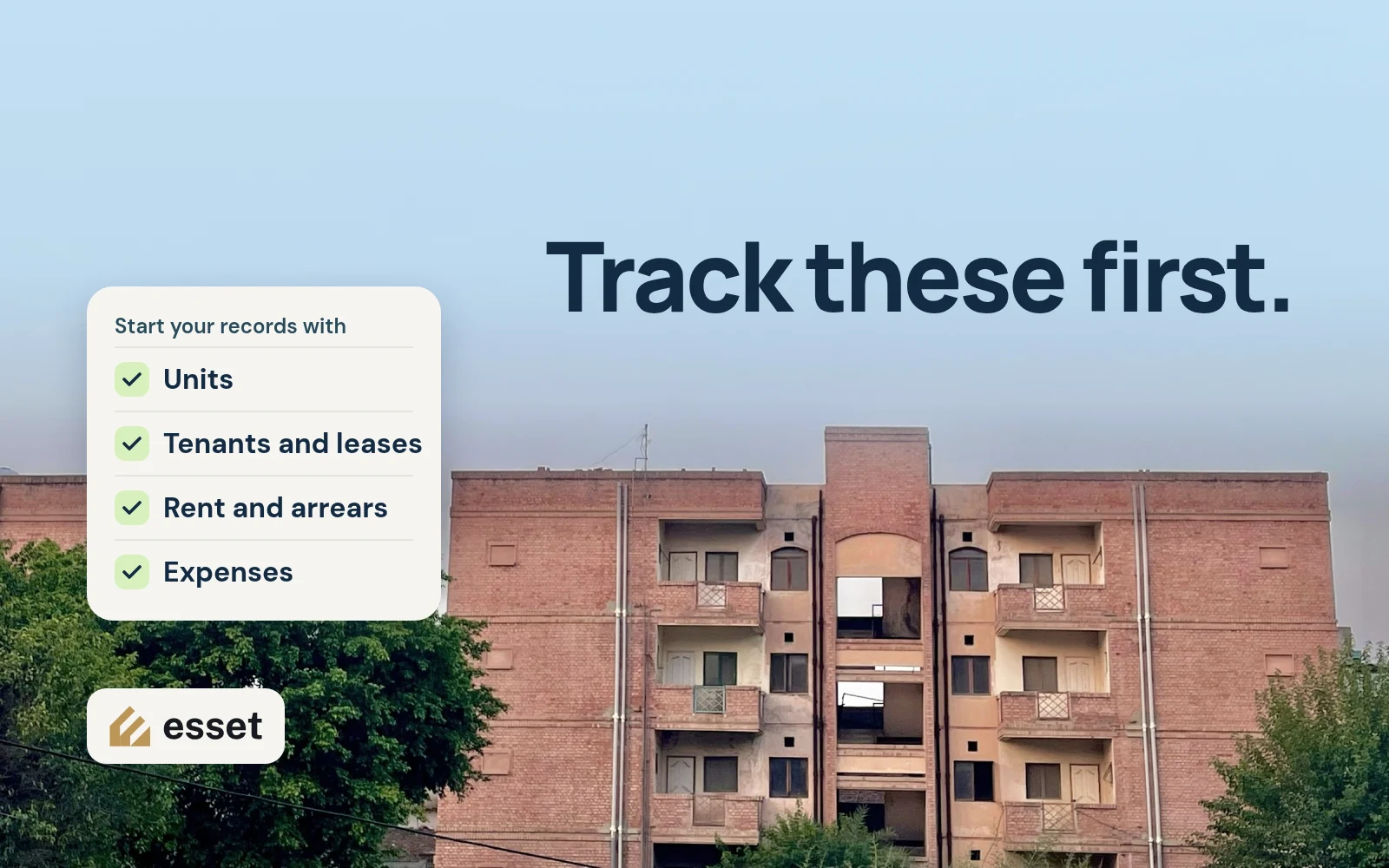
Landlord software is only as useful as the records inside it. Before you switch on automation or dashboards, you need a clean base: which units you own, who lives in them, what each lease says, what has been paid and what is still owed. Get those right and the reports landlords and owners actually ask for come almost for free.
This checklist gives you the order to set things up in, whether you call it landlord software, property management software, rental property tracking software or a tenant tracking tool. It is written for independent landlords and small teams with long-term rentals. If you are still comparing products, pair it with our property management software checklist for small teams.
The short answer: track these seven things, in this order
- Properties and units. Every other record hangs off them.
- Tenants and leases. Who is in which unit, on what terms, until when.
- Rent charges, payments and arrears. What was billed, what came in, what is overdue.
- Security deposits. What you hold, for whom, and what you owe back.
- Expenses and vendor bills. Costs recorded against the property they belong to.
- Maintenance requests and documents. The paper trail behind every repair and every lease.
- Reports and owner statements. The output that proves all of the above.
Skipping ahead is the most common mistake. A collections report built on a messy unit list will be wrong, and an owner statement built on unrecorded expenses will start arguments.
1. Properties and units: your property management database
Think of this step as building your property management database. Each property needs a name, a type (residential, commercial, mixed) and an address. Each unit inside it needs its own record, because rent, leases and repairs happen at unit level, not building level.
Practical rules that save trouble later:
- One unit, one record. A flat, a shop, an office or a single hostel bed should each be a unit if it is let separately. Esset’s FAQ uses this approach for hostels: Room 1 with three beds becomes units 1A, 1B and 1C, each with its own lease, invoicing and tenant record.
- Group properties the way you report on them. If you report to more than one owner, or you split properties by city or by investor, use portfolios. Esset requires every property to sit inside a portfolio (how to add and manage properties); our portfolios, properties and units explainer walks through the structure.
- Mark vacancies honestly. A unit list that shows vacant units at a glance is the cheapest occupancy report you will ever have. See lease and occupancy tracking for what that dashboard should show.
2. Tenants and leases: the core of tenant management
Good tenant management software keeps one profile per tenant with contact details, ID documents, the lease and the unit, all linked. When someone calls about a balance, you should be able to answer from one screen.
For each lease, record at minimum:
- start date, end date and notice period
- rent amount, due date and billing frequency
- deposit amount
- any agreed rent increase and when it applies
- the signed agreement as a file
Lease dates are what make renewal reminders possible. Esset lists per-unit leases, renewal alerts and notice tracking, and vacancy monitoring among its lease management features, and stores tenant contact details, identity documents, addresses and leases together in the tenant record (how to add and manage tenants).
3. Rent: charges, payments and arrears
This is where most landlords start, and where spreadsheets break first. A useful rent view separates three things:
- Charges: what the tenant owes (rent, late fees, one-off charges).
- Payments: what actually came in, on what date, by what method.
- Balance and arrears: the difference, and how old it is.
When charges are generated from the lease, nobody has to remember to bill. When payments are matched to charges, the tenant’s balance reflects the payments recorded. And when balances are grouped by age (current, 30 days, 60 days and so on), you know who to call first. That grouped view is usually called an accounts receivable (AR) aging report.
Esset lists automated invoicing, payment tracking, overdue alerts and reminders, and full payment history on its features list. Its Transactions list works as a central ledger: every payment, charge, expense, bill, deposit and transfer shows up there, read-only, so you can trace a tenant’s full history or hand it to an accountant.
One habit worth keeping in any tool: a tenant saying “I paid” is not the same as money received. Record the payment when you have confirmed it, and keep the proof (a receipt, a bank reference, a screenshot) with the record.
4. Security deposits
Deposits are money you hold for someone else, so track them separately from rent. You want to know, per tenant: how much was charged, how much was actually received, whether it is still held, and when and how much was returned or deducted.
Esset’s Security Deposit Liability report does this tenant by tenant, including deposits that are overdue for refund or flagged for a reconciliation issue.
5. Expenses and vendor bills
Expenses only make sense next to the property they belong to. A plumber’s bill, a service charge or an insurance premium recorded against the right property (and unit, where relevant) is what lets you work out real profit per property.
Two separate things to track:
- Expenses: money already paid out.
- Vendor bills: money you owe a supplier but have not paid yet.
In Esset, every expense line is recorded against a property and can be tied to a unit and a payee such as a vendor or owner (how to add and manage expenses). Vendors can be limited to the properties they work on (how to add and manage vendors). Our post on tracking every expense and vendor bill covers the habit side.
6. Maintenance requests and documents
Repairs create two records: the request (who reported what, when, how urgent, who is handling it) and the cost (which belongs in expenses). Keep both. When a tenant disputes a deduction from their deposit, the request history and the invoice are your evidence. Our maintenance and complaint tracking guide covers what each request should hold.
For documents, the rule is simple: store the file where the record lives. The lease belongs on the lease, the ID on the tenant, the invoice on the expense. A separate shared drive becomes the landlord document management system nobody can search. Esset lists lease and contract storage and per-tenant document folders on its features list.
7. Reports and owner statements: what landlord software should give you
Once steps 1 to 6 are clean, reporting stops being a monthly project. These are the reports landlords, owners and operators ask for most, and what each one answers:
| Report | Question it answers |
|---|---|
| Rent roll | Which units are let, to whom, at what rent? |
| Collections report | How much of this month’s rent came in? |
| AR aging | Who owes what, and for how long? |
| Profit and loss | Did each property make money after expenses? |
| Security deposit liability | How much deposit money am I holding? |
| Owner statement | What did this owner’s properties earn, spend and pay out? |
| General ledger | What is every transaction behind these numbers? |
If you manage property for other owners, the owner statement is the report that builds or loses trust. It should tie back to the same transactions as your own books, so an owner can trace any figure. Our post on the property owner monthly report suggests what to include.
Where these sit in Esset. According to Esset’s pricing and plans guide:
- Starter (up to 200 units) includes standard reports, the General Ledger report, the dashboard, payment notifications, security deposit management and write-offs.
- Growth adds owner management, vendor management and vendor bills, Profit and Loss, Trial Balance, AR Aging and AP Aging reports, custom roles and a file manager.
- Premium adds expense tracking, journal entries and owner accounting, the Rent Roll and Collections reports, automatic rent increase schedules and API access.
Check the plan list before you buy so the reports you need are on the plan you pick.
Your first 30 days with landlord software
A realistic setup plan for a small portfolio:
- Week 1: add properties and units. Check the unit count against your own list until they match.
- Week 2: add tenants and active leases with real dates, rent and deposits. Attach the signed agreements.
- Week 3: enter opening balances and the current month’s payments. Compare tenant balances with what you believe each tenant owes, and fix differences now, not later.
- Week 4: record the month’s expenses and bills, then run your first rent roll, collections and AR aging reports. If a number looks wrong, trace it back through the transactions.
Run your old spreadsheet in parallel for one month. When both agree, retire the spreadsheet. Our guide to moving from spreadsheets to property management software covers the migration in more detail.
When it is time to switch from spreadsheets
Spreadsheets work until they do not. Common signs you have outgrown them:
- two people edit the same sheet and balances disagree
- you cannot say who is in arrears without an hour of checking
- month-end owner reports take days
- receipts and payment proofs live in chat threads, not next to the payment
- renewals are noticed when a tenant moves out, not before
If two or more of these sound familiar, the order above is where to start. For tenant follow-up habits that reduce calls and messages, see tenant communication workflows.
How Esset fits
Esset is property management software for landlords, hostel operators and property agencies (esset.io). It covers the seven steps above in one system: properties and units, tenant profiles and leases with renewal alerts, automated invoicing with overdue alerts and payment history, income and expense tracking, document storage, and occupancy and collection reports (features). Agencies can keep separate company contexts for different owners with consolidated reporting (who it’s for).
Tenants can use the Esset app to view lease details, pending invoices and receipts. See the Esset Privacy Policy for details.
Plans start at $29 a month, and every plan includes a 14-day free trial with no credit card required (pricing). During the trial you can add properties, import tenants and run reports (FAQ), so you can test the core workflow with one property. Use the 30-day checklist to roll it out across your portfolio.
Managing property in Pakistan? The Pakistan version of Esset adds local payment methods and hostel registration support. See Esset for Pakistan, property management software for Pakistan, property accounting software and hostel management software. For local guides, read our comparison of property management software in Pakistan, how to keep clear rent payment records in Pakistan and the rent agreement format for Pakistan.
FAQ
What is landlord software?
Landlord software is a system for keeping rental records in one place: properties and units, tenants, leases, rent charges and payments, deposits, expenses and reports. Property management software, tenant management software and estate management software are overlapping names for the same category; tools aimed at agencies usually add owner management and owner statements.
What should landlord software track first?
Properties and units first, then tenants and leases, then rent charges and payments. Deposits, expenses, maintenance and documents come next. Reports come last because they depend on everything before them.
What reports should landlord software produce?
At minimum a rent roll, a collections report, an AR aging report for arrears, a profit and loss by property, and a security deposit report. If you manage for other owners, add owner statements tied to the same transactions.
What is landlord statement or owner statement software?
It is the reporting side of property management software: a statement per owner showing rent collected, expenses paid and money paid out for that owner’s properties. It is only reliable if it is built from the same ledger as your own books, not typed up separately.
Can property management software track arrears automatically?
Yes, if charges are created from the lease and payments are recorded against them, the software can show overdue balances without manual checking. In Esset, overdue alerts and reminders are listed on the features list and an AR Aging report is included on the Growth plan and above (plans guide).
Does a tenant uploading payment proof mean the rent is paid?
No. A proof is a claim that still needs checking against your bank or wallet. In Esset’s tenant app, the tenant submits the proof and you review and approve it; the payment is recorded only after you confirm it.
Is landlord software worth it for a few units?
For one or two units a careful spreadsheet can be enough. Once you have several tenants, more than one person involved, or an owner to report to, the time spent reconciling sheets and chat messages usually outweighs a monthly subscription. A free trial on your own data is the honest test.
How do I move my existing tenant records and payment history?
Start with properties, units, tenants and active leases, then enter opening balances rather than years of history. Keep your old records as an archive. Check that each tenant’s balance matches before you stop using the old system.
This article is general operational guidance for landlords, hostel operators and property teams. It is not legal, tax, accounting or financial advice. Review local requirements and speak with a qualified professional before making compliance decisions.

Comments (0)